Small Business Website Design for Local Markets: What Shoppers Check First
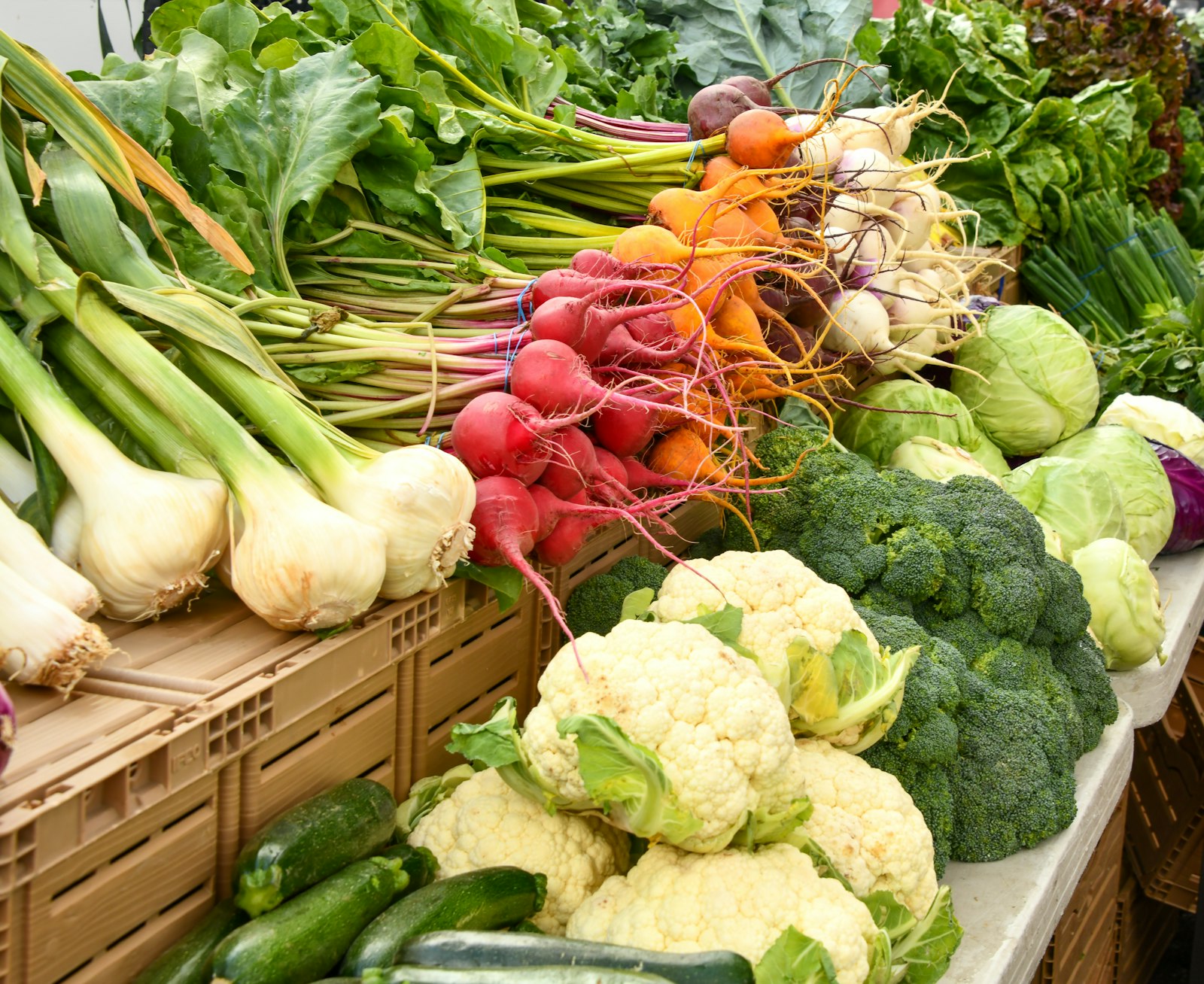
It's 5:40 on a Thursday evening. Maya is standing in her kitchen with half a recipe and no cilantro. She remembers the little market on the corner, the one with the good tomatoes and the friendly owner. She pulls out her phone and searches for it.
What happens next decides whether that market makes a sale tonight.
If the market's website loads fast, shows today's hours, and says "fresh herbs daily," Maya grabs her keys. If the site is slow, out of date, or missing, she drives to the big grocery store instead. The owner never even knows she was a customer for about thirty seconds.
That quiet, invisible moment is why small business website design matters so much for local markets. Your website is often the first place a neighbor "visits" before they ever walk through your door. In this guide, we'll walk through what shoppers actually look for, the mistakes that send them elsewhere, and a simple step-by-step plan to build a website that brings people into your aisles.
Why your market's website still matters (even if most sales happen in-store)
Here's some good news for brick-and-mortar shops. Even with online shopping growing, most retail spending still happens offline. According to the U.S. Census Bureau, e-commerce made up 17.1% of total U.S. retail sales in the second quarter of 2026, a figure also reported by PYMNTS. That means the large majority of retail sales still happen in physical stores.
But here's the catch: the trip to your store often starts on a phone. About nine in ten U.S. adults own a smartphone, according to the Pew Research Center, and the Census Bureau's American Community Survey found that 90% of U.S. households had at least one smartphone in 2021.
So your customers are standing in their kitchens, at bus stops and in parking lots with a phone in hand, deciding where to shop. A mobile-friendly website puts your market in that decision.
What shoppers want to see in the first few seconds
Think about Maya again. She isn't browsing for fun. She has one question: Can I get what I need, right now, without hassle? A website that converts answers that question fast.
1. Your hours, address and phone number, up front
Put them at the top of your homepage, not buried in the footer. Include special hours for holidays. If you're open late on Fridays, say so. A tap-to-call phone number and a tap-to-open map link make it effortless.
2. A clear picture of what you sell
Shoppers want to know if you carry what they're looking for. You don't need a full online store. A simple "What's in the store" section works well: fresh produce, local bread, international groceries, deli, prepared foods, specialty items. Real photos of your own shelves build far more trust than stock images.
3. What's fresh or new this week
This is where local markets can beat big chains. A short "This week at the market" section (seasonal fruit, a new local vendor, a weekend special) gives people a reason to come in today instead of "someday."
4. A site that loads fast on a phone
Speed is not a small detail. Google research published on Think with Google reported that 53% of mobile site visitors leave a page that takes longer than three seconds to load. Marketing Dive covered the same Google finding. The research is from 2016–2017, but the lesson still holds: every extra second gives a shopper a reason to tap "back."
Common website mistakes that cost local markets customers
Most market owners are busy running the store, so the website gets set up once and forgotten. That's completely understandable, and it's also where customers slip away. Watch for these:
- Old hours or holiday closures that never got updated. One wrong trip and a customer may not trust your site again.
- Huge, uncompressed photos that make the page crawl on mobile data.
- A "website" that's only a Facebook page. Social media is great, but not everyone uses it, and you don't control how it shows up.
- No clear next step. Every page should make it easy to call, get directions, or send a message.
- Text too small to read on a phone, or buttons too close together to tap.
- Website details that don't match your Google Business Profile. Mismatched hours or phone numbers confuse shoppers.
How to build a website that brings shoppers in: a 7-step plan
You don't need a huge budget to get this right. Here's a practical plan for a small market website.
Step 1: Start with your top three customer questions
Ask your cashiers what people call about most. Usually it's hours, whether you carry a certain item, and parking. Make sure your homepage answers those three questions without any scrolling.
Step 2: Design for the phone first
Open your current site on your own phone. Can you find your hours in five seconds? Can you tap your phone number? If not, start there. Design every page for a small screen first, then make sure it looks good on a computer.
Step 3: Use your own photos, sized for the web
Take bright, simple photos of your produce displays, your deli counter and your storefront (so people recognize it from the street). Resize and compress them before uploading so they look sharp without slowing the page down.
Step 4: Add a simple "This week at the market" section
Update it once a week. Keep it short: three or four items with a photo. This gives regulars a reason to check back and gives search engines fresh content.
Step 5: Make contact easy on every page
Add a tap-to-call button, a map link and a short contact form. If you get a lot of after-hours questions, an automated text reply or AI receptionist can answer common questions (like hours or parking) while you're closed.
Step 6: Connect your website to your Google Business Profile
Link your website from your Google Business Profile and make sure your name, address, phone and hours match exactly on both. Consistent details help shoppers trust what they see, and they support your local SEO. (If you haven't set up your profile yet, our Google Business Profile guide walks you through it.)
Step 7: Check it once a month
Set a monthly reminder to open your site on your phone and check hours, specials, photos and links. Ten minutes a month keeps your site accurate and trustworthy.
Small touches that make a local market website stand out
Once the basics are in place, these extras help your market feel like your market:
- Tell your story. A short "About us" with a photo of the owner or family behind the store builds connection.
- Highlight local vendors and products. Shoppers love supporting neighborhood bakers, farms and makers.
- Mention languages spoken and specialty or international items, if that's part of what makes you special.
- Show accessibility and parking info so nobody has to guess.
- Invite people to join your email or text list for weekly specials.
Before and after: what a better website changes
Picture the same Thursday evening with an upgraded site. Maya searches, the page opens almost instantly, and the first thing she sees is "Open until 9 PM tonight" and "Fresh herbs and produce daily." She taps "Get directions." Ten minutes later she's at your register, and she's picking up a loaf of local bread she didn't plan to buy.
That's the real job of small business website design for a market: remove every tiny obstacle between "I need something" and "I'm on my way."
Ready for a website that brings neighbors through your door?
At Helmio Digital, we help local markets, cafes, restaurants, salons and shops across the Bay Area build fast, mobile-friendly websites that turn online searches into real visits. We can also connect your site to your Google Business Profile, text messaging and simple automations that save you time.
Tell us about your market through our contact form, and we'll get back to you with ideas for your website.
Frequently asked questions
Do I need an online store for my market's website?
Not necessarily. Many local markets do well with a simple, fast website that shows hours, location, what you sell and weekly specials. Online ordering can be added later if your customers ask for it.
How often should I update my market's website?
Check hours and contact details at least once a month and before every holiday. A short weekly "what's fresh" update keeps the site useful and gives shoppers a reason to return.
Can a small market compete online with big grocery chains?
Yes. Big chains can't match your local products, personal service and neighborhood story. A clear, mobile-friendly website that highlights those strengths helps nearby shoppers choose you.
Sources
- U.S. Census Bureau, Quarterly Retail E-Commerce Sales, 2nd Quarter 2026
- PYMNTS, "eCommerce Takes 17.1% of Retail Sales as Online Growth Accelerates" (Aug 2026)
- Pew Research Center, Mobile Fact Sheet (2026)
- U.S. Census Bureau, Computer and Internet Use in the United States: 2021 (ACS-56)
- Think with Google, "Find Out How You Stack Up to New Industry Benchmarks for Mobile Page Speed" (2017)
- Marketing Dive, "Google: 53% of mobile users abandon sites that take over 3 seconds to load" (2016)